Reference: WP-VI-CON-V1

Brand: WebPoint

WebPoint Video Product Pro PrestaShop - professional WebPoint solution

star star star star star
(1)
WebPoint Video Product Pro PrestaShop: optimizes your PrestaShop store with a clear, practical tool built to save time without adding complexity. WebPoint Video Product Pro delivers professional videos to elevate your product listings and drive sales. Générateur vidéo produit automatisé Générateur vidéo produit automatisé Transform your products into...
€10.00
More
In stock

Reference: BOUT-93K2X

Brand: WebPoint

Turnkey Ecommerce Website - ready ecommerce solution

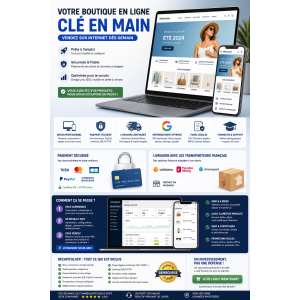
Turnkey Ecommerce Website: provides a professional ecommerce base for merchants who want to launch faster with a clear online store. Turnkey ecommerce website - for entrepreneurs. Launch your professional online store with ease and efficiency.Get your turnkey online store within 48 hours, fully configured and ready to welcome your first customers....
---
In stock

Reference: EXT-CRMAX-MULTILANG

Brand: WebPoint

Crunchyroll Skip Intro Chrome - free Chrome extension

star star star star star_half
(5)
Crunchyroll Skip Intro Chrome: improves browsing workflows with a simple Chrome extension built to save time on daily online tasks. Crunchyroll Maximizer Chrome Extension boosts your streaming quality effortlessly.Free and powerful Crunchyroll extension Download Crunchyroll Revolutionary 100% FREE Chrome extension that transforms your Crunchyroll experience!
---
In stock

Reference: EBP-2025-PRO

Brand: WebPoint

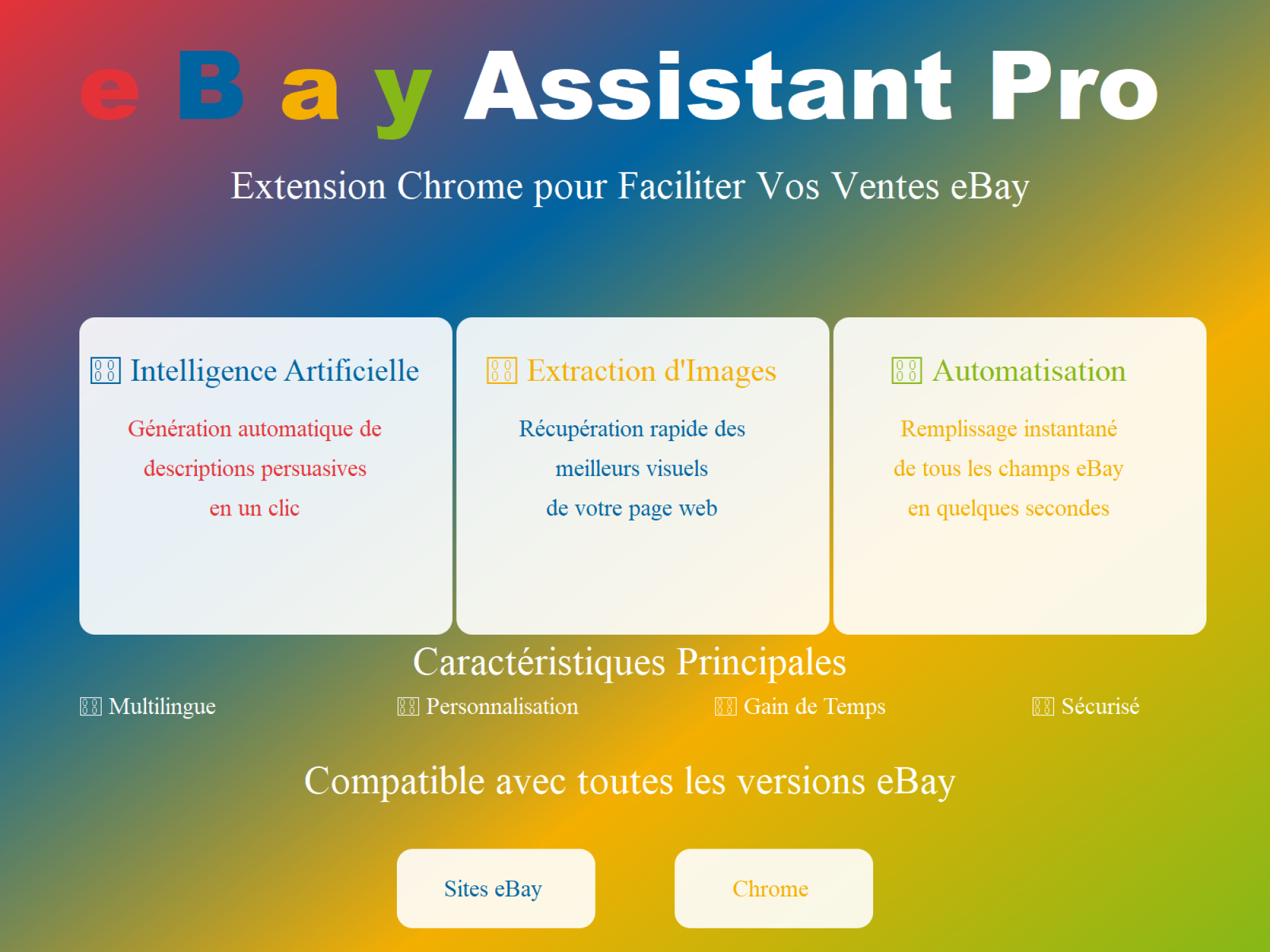
eBay Assistant Pro Chrome AI - free Chrome extension

star star star star star_half
(228)
eBay Assistant Pro Chrome AI: improves browsing workflows with a simple Chrome extension built to save time on daily online tasks. eBay extension automated by artificial intelligence ✨ eBay Assistant Pro is much more than a simple Chrome extension - it's your intelligent assistant dedicated to creating eBay listings that maximize your sales potential. 🚀...
€5.00
More
In stock
All best sellers
  • New
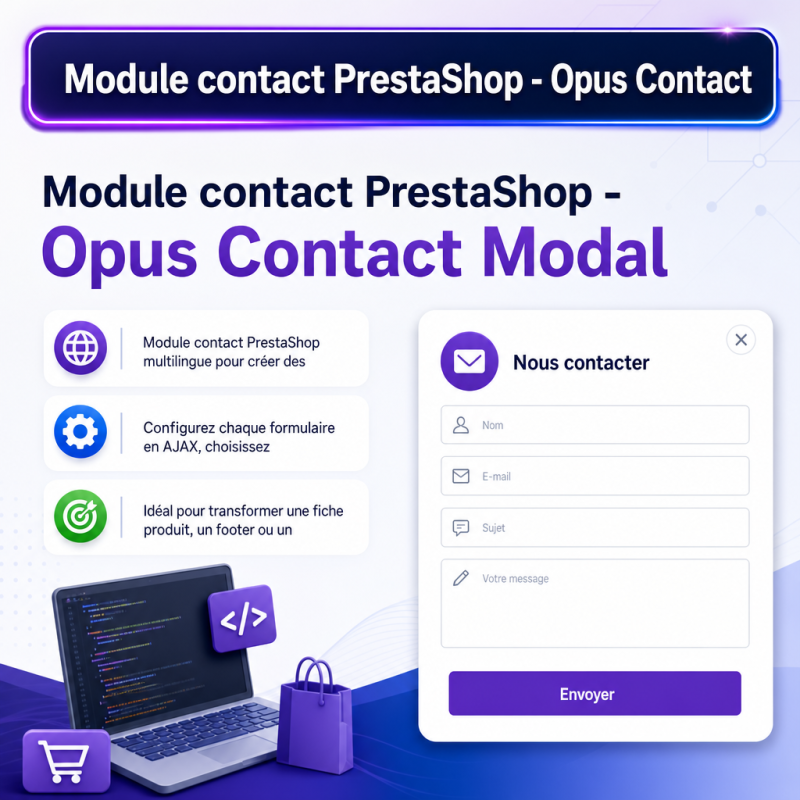
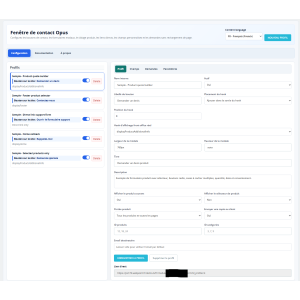
Module contact PrestaShop - Opus Contact Modal - visuel principal du produit - avec texte integre - Modules PrestaShop gratuits
  • Module contact PrestaShop - Opus Contact Modal - visuel principal du produit - avec texte integre - Modules PrestaShop gratuits
  • modular user interface, buttons, configuration, PrestaShop

Contact Modal PrestaShop Module - free WebPoint module

MCP-7X9Q2Z
WebPoint

Contact Modal PrestaShop Module: optimizes your PrestaShop store with a clear, practical tool built to save time without adding complexity.

Multilingual PrestaShop contact module to create contact, quote, or support buttons in the actual hooks of your store.

Configure each form in AJAX, choose the button location, window size, custom fields, targeted products, and displayed languages.

Ideal for turning a product page, a footer, or a menu link into a clear, fast, and customer-friendly form, without page reload, without technical complexity, and with precise management of received requests.

€0.00
Tax excluded
Quantity
9999 Items

Description

Contact Modal PrestaShop Module: optimizes your PrestaShop store with a clear, practical tool built to save time without adding complexity.

PrestaShop contact module enables effective communication with customers using customizable forms and buttons.

PrestaShop contact module - create forms visible in the right place

Opus Contact Modal allows you to add contact, quote, or support buttons in the real PrestaShop front-office hooks, with fully AJAX configuration and multilingual management of configurable texts.

Free prestashop module.

A module designed for shops that want to receive specific requests.

With this module, you can create several form profiles and place them on a product page, in the footer, on the homepage, or via a direct link in a menu. Each profile has its own button, its own form, its own fields, and its own targeting rules.

Main features

  • 100% AJAX configuration, without page reload.
  • Display in the real front-office hooks available on the shop.
  • Creation of multiple form profiles.
  • Customizable and clearly identifiable button in the configuration.
  • Modal window with configurable width and height.
  • Custom fields: text, email, phone, textarea, select, multiselect, radio, checkboxes, consent, date, time, number, and more.
  • Multilingual management of titles, descriptions, buttons, fields, and options.
  • Targeting by products, categories, or non-product pages.
  • Direct link usable in a menu, a CMS page, or a custom block.
  • Storage of requests in back-office and email sending.

Why this module is useful

A product page can generate very different questions: quote request, availability, compatibility, delivery, customization, or support. Instead of offering a generic form, the module allows you to build the right form according to the location and need.

Examples of use

  • Add a Request a quote button on certain product pages.
  • Display a contact form in the footer with a product selector.
  • Create a direct link to an after-sales form from a menu.
  • Limit a form to certain products or categories.
  • Receive structured requests with mandatory options.

Real convenience for the administrator

The configuration panel clearly displays the label of the button visible on the site. The administrator can therefore quickly find the right profile, even when several forms are active.

Product Details
MCP-7X9Q2Z
9999 Items
  • Front office play_circle_filled

    Front office

  • Back office play_circle_filled

    Back office

  • Ebay-assistant play_circle_filled

    Ebay-assistant

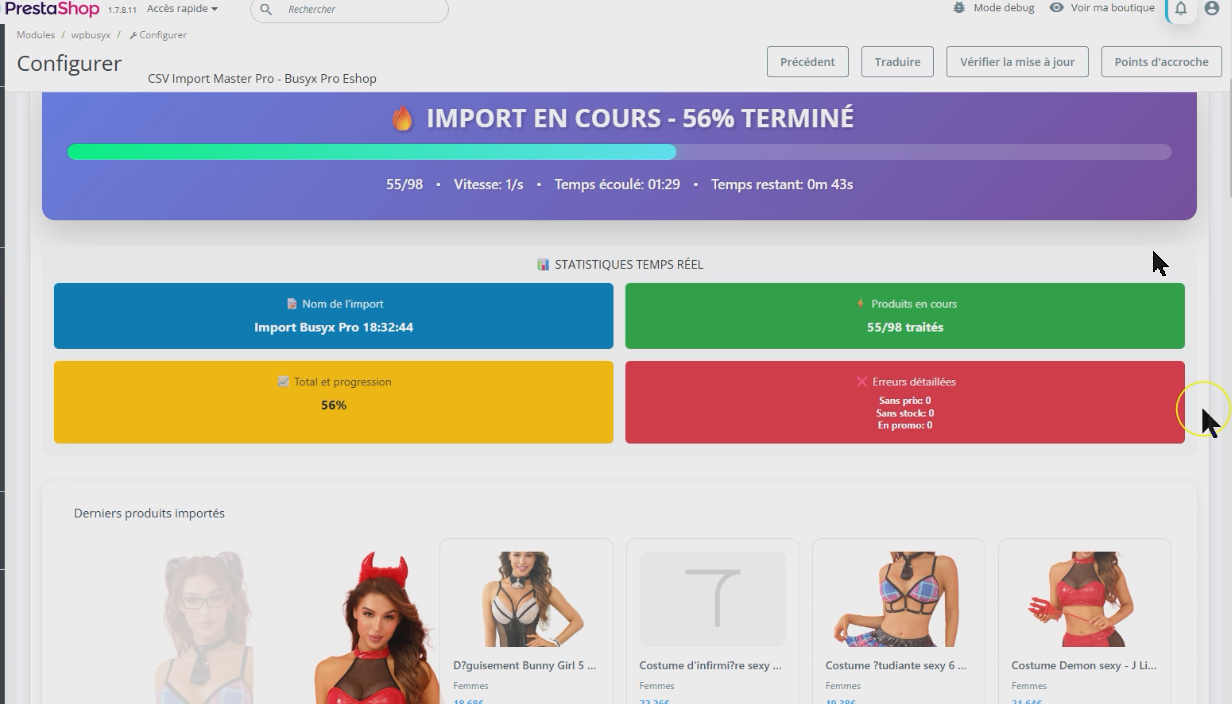
  • CSV Import Master Pro Busyx : AI-Powered E-Commerce Revolution play_circle_filled

    CSV Import Master Pro Busyx : AI-Powered E-Commerce Revolution

5 other products in the same category:

Reference: MOD-UNIV-PROD-BLOC

Brand: WebPoint

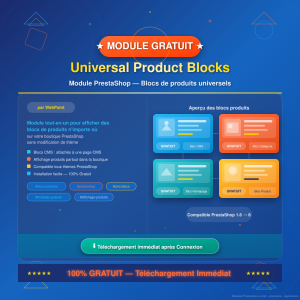
Universal Product Blocks PrestaShop - free WebPoint module

star star star star star
(1)
Universal Product Blocks PrestaShop: optimizes your PrestaShop store with a clear, practical tool built to save time without adding complexity. Universal Product Blocks for PrestaShop improve product visibility and increase sales across your online store.Module : Universal Product Blocks (wp_productscms) Author : WebPoint Description: All-in-one module to...
---
In stock

Reference: MOD-COOK-BANN

Brand: WebPoint

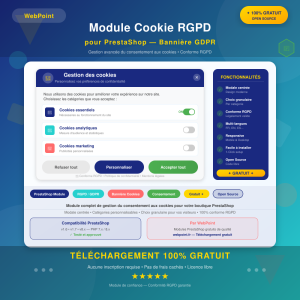
Cookie Banner PrestaShop Module - free WebPoint module

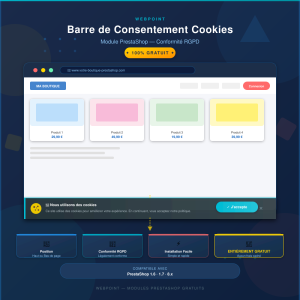
Cookie Banner PrestaShop Module: optimizes your PrestaShop store with a clear, practical tool built to save time without adding complexity. GDPR compliant PrestaShop GDPR banner Complete GDPR banner module for PrestaShop. Advanced cookie consent management solution with centered modal, cookie categories and granular choice for visitors. Conforme aux...
---
In stock

Reference: WP-Guard

Brand: WebPoint

Catalog Control PrestaShop Module - free WebPoint module

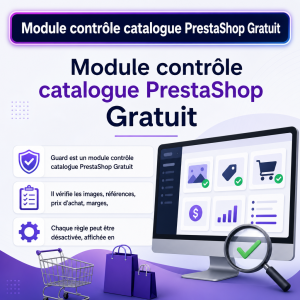
Catalog Control PrestaShop Module: optimizes your PrestaShop store with a clear, practical tool built to save time without adding complexity. Free PrestaShop Catalog Control Module streamlines product management and alerts you before publication.Guard is a free PrestaShop catalog control module designed to prevent dangerous or incomplete product sheets....
---
In stock

Reference: MOD-COOK-BAR

Brand: WebPoint

RGPD Cookie Bar PrestaShop - free WebPoint module

star star star star star
(1)
RGPD Cookie Bar PrestaShop: optimizes your PrestaShop store with a clear, practical tool built to save time without adding complexity. PrestaShop cookie consent bar Cookie consent bar module for PrestaShop. Displays a discreet bar at the top or bottom of the site informing visitors about cookie usage, with an accept button. Solution simple et eff… ✅...
---
In stock

Reference: MOD-MOST-POPU-PROD

Brand: WebPoint

Popular Products PrestaShop Module - free WebPoint module

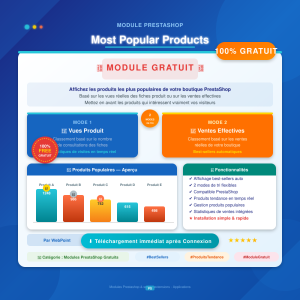
Popular Products PrestaShop Module: optimizes your PrestaShop store with a clear, practical tool built to save time without adding complexity. Simplified PrestaShop best-sellers Module displaying the most popular products in the store, based on actual product page views or effective sales. Highlights products that truly interest visitors… ✅ 2 sorting...
---
In stock

Articles du blog

Tout voir arrow_forward

help_outline Questions fréquentes 3 FAQ

Oui, tout à fait ! Le module Opus Contact Modal vous permet de créer autant de profils de formulaires que nécessaire, chacun avec ses propres champs, son propre bouton et ses propres règles de ciblage. Vous pouvez par exemple placer un bouton « Demander un devis » uniquement sur certaines fiches produit, un formulaire de contact général dans le footer et un lien vers un formulaire SAV dans votre menu. Chaque profil est totalement indépendant et facilement identifiable dans le panneau d'administration grâce à l'affichage clair du libellé du bouton.
Oui, le module Opus Contact Modal est entièrement gratuit. Et il intègre nativement une gestion multilingue complète : les titres, descriptions, libellés de boutons, champs de formulaire et options de sélection sont tous configurables dans chacune des langues actives sur votre boutique PrestaShop. Vous pouvez donc offrir une expérience de contact parfaitement localisée à vos clients, quelle que soit leur langue.
Chaque demande soumise via un formulaire est à la fois stockée dans votre back-office PrestaShop et envoyée par email. Vous disposez ainsi d'un historique complet et consultable directement depuis votre administration, tout en étant notifié en temps réel par email pour ne manquer aucune demande. Grâce aux champs personnalisés (texte, sélecteurs, cases à cocher, date, etc.), les demandes que vous recevez sont structurées et précises, ce qui vous permet de les traiter plus rapidement et plus efficacement.

description Documentation produit

Contact Modal PrestaShop Module - free WebPoint module

Prérequis

Avant d'installer le module Opus Contact Modal, assurez-vous que votre boutique PrestaShop est correctement configurée et à jour. Vérifiez également que vous disposez des droits d'administration nécessaires pour installer et configurer des modules.

Installation

  1. Téléchargez le module Opus Contact Modal depuis le répertoire des modules PrestaShop ou depuis la source fournie.
  2. Connectez-vous à votre back-office PrestaShop.
  3. Accédez à la section Modules et Services.
  4. Cliquez sur Ajouter un nouveau module et téléchargez le fichier du module.
  5. Une fois le module téléchargé, cliquez sur Installer pour l'ajouter à votre boutique.

Configuration

  1. Accédez au module Opus Contact Modal dans la liste des modules installés.
  2. Ouvrez le panneau de configuration du module.
  3. Créez un nouveau profil de formulaire en définissant les paramètres suivants :
    • Type de formulaire : Contact, Devis ou Support.
    • Emplacement du bouton : Sélectionnez le hook où le bouton apparaîtra.
    • Dimensions de la fenêtre : Configurez la largeur et la hauteur de la fenêtre modale.
    • Champs personnalisés : Ajoutez et configurez les champs nécessaires (texte, email, téléphone, etc.).
    • Multilingue : Configurez les textes pour chaque langue supportée par votre boutique.
    • Ciblage : Définissez les produits, catégories ou pages spécifiques où le formulaire sera actif.
  4. Enregistrez les modifications pour appliquer la configuration.

Utilisation

Une fois configuré, le module affichera les boutons de contact, de devis ou de support aux emplacements choisis. Les clients pourront interagir avec les formulaires sans rechargement de page, grâce à la technologie AJAX.

Scénarios d'usage

  • Ajouter un bouton "Demander un devis" sur certaines fiches produit pour faciliter les demandes spécifiques.
  • Afficher un formulaire de contact dans le footer pour une accessibilité accrue.
  • Créer un lien direct vers un formulaire de service après-vente (SAV) depuis le menu principal.

Dépannage

En cas de problème avec le module, vérifiez que toutes les configurations sont correctement définies et que le module est compatible avec votre version de PrestaShop. Consultez les logs d'erreur pour des informations supplémentaires.

Compatibilité

Le module Opus Contact Modal est compatible avec les versions récentes de PrestaShop. Assurez-vous que votre boutique est à jour pour garantir un fonctionnement optimal.

Bonnes pratiques

  • Testez chaque profil de formulaire après configuration pour vous assurer qu'il fonctionne comme prévu.
  • Utilisez des textes clairs et concis pour les titres et les descriptions des formulaires.
  • Surveillez régulièrement les demandes reçues via le back-office pour une gestion efficace des requêtes clients.

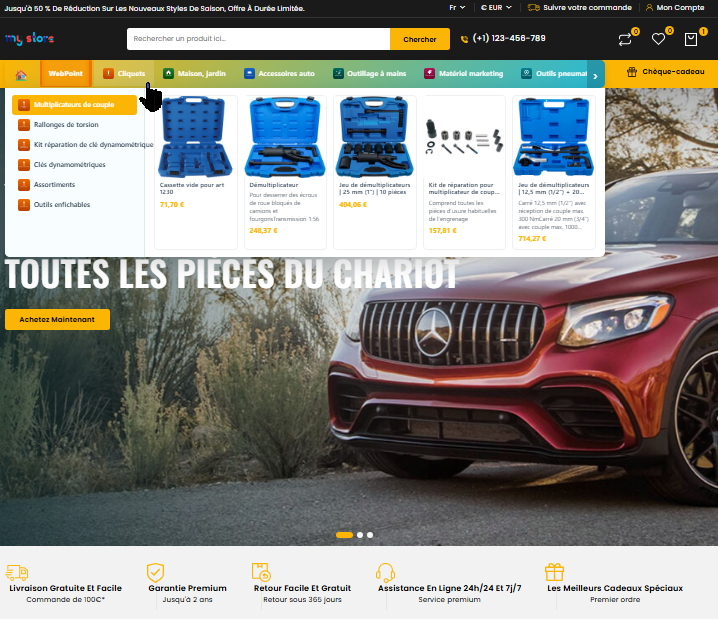
Optimize Communication with the PrestaShop Opus Contact Modal Module

The PrestaShop Opus Contact Modal module makes it easy to get in touch between your online store and your customers.

It offers a modern and intuitive interface that integrates perfectly with your site.

Thanks to this module, your visitors can send their inquiries directly through a modal window without leaving the page.

This feature improves the user experience by making communication smoother and faster.

Opus Contact Modal is also customizable to match your store's visual identity.

It supports multiple form fields to collect all the necessary information.

This module is compatible with the latest versions of PrestaShop and easy to install.

By integrating Opus Contact Modal, you increase customer satisfaction and simplify request management.

It is an essential tool for any store looking to strengthen its online customer service.
  • PrestaShop contact module
  • modal contact form
  • responsive contact window
  • e-commerce customer communication
  • contact module
  • contact interface
  • request management
  • PrestaShop support
  • user experience
  • customer service tool