Google Merchant XML PrestaShop: optimizes your PrestaShop store with a clear, practical tool built to save time without adding complexity.
Module Google Merchant PrestaShop to create clean and controlled XML feeds
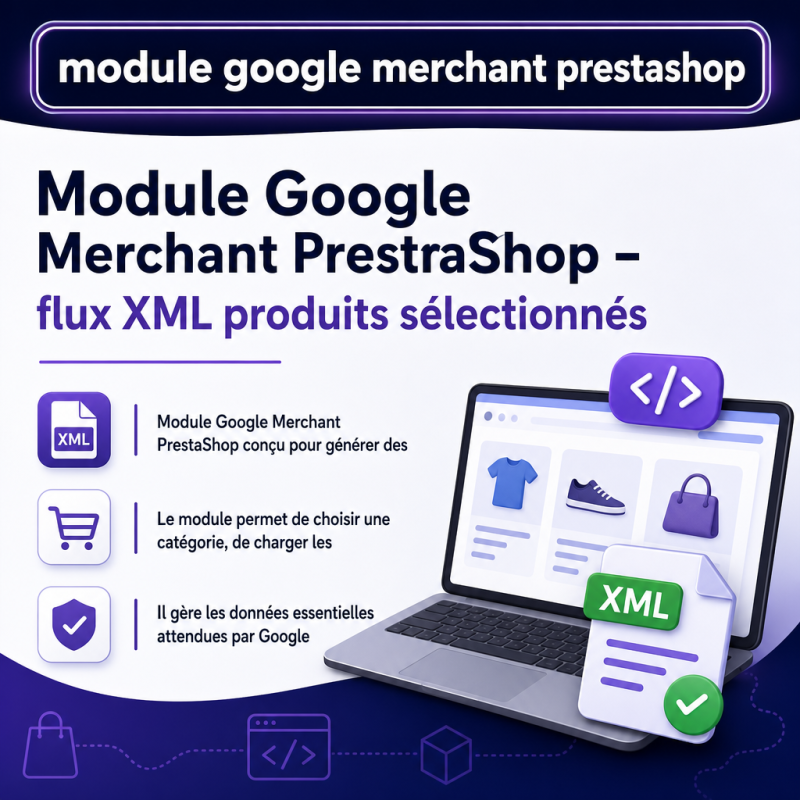
Module Google Merchant PrestaShop is a solution designed for merchants who want to create a Google Merchant Center XML file without heavy configuration, uncontrolled global export, or modifying the shop’s products. The module allows you to precisely select the products to send to Google, choose a category, filter the catalog, and then generate an XML file directly at the root of the site. The result is a public feed ready to be submitted to Google Merchant Center.
Unlike an automatic export that is too broad, this module prioritizes control. The merchant can decide which products should appear in the feed, check the information before generation, and keep a stable file name so Google can retrieve the same URL during future synchronizations. This approach is especially useful for testing a category, launching a Google Shopping campaign, correcting a selection of products, or creating a feed dedicated to a specific range.
A simple workflow from the back office
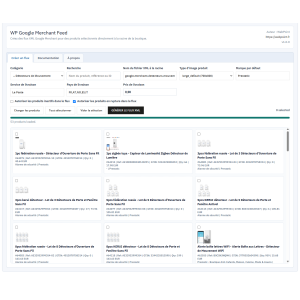
The module works directly from its PrestaShop configuration page. The user selects a category, loads the product list via Ajax, checks the items to export, enters the XML file name, and starts the generation. The page does not reload during product loading or feed creation. A progress bar and a result message accompany the operation to make the process clear and fast.
This Ajax logic improves usability in the back office. It avoids unnecessary back and forth, limits handling errors, and allows you to prepare a product feed in a few steps. The module stays on the module configuration screen, in line with best practices for simplicity for a specialized tool.
Precise selection of products to export
The module does not force a complete export of the catalog. It allows you to work category by category, search for a product by name, reference, or ID, and then select only the desired products. This precision is important when the shop contains products that should not yet be sent to Google Merchant Center, references in preparation, items without images, or products intended for another sales channel.
Each product row displays useful information for making a quick decision: thumbnail, product name, ID, reference, GTIN, quantity, price, category, and brand when available. The merchant can therefore spot incomplete products before generating the XML file. Inactive products and out-of-stock products can be allowed or excluded according to the chosen settings.
Google XML feed
The generated file uses the RSS 2.0 format with the Google namespace. It can be placed at the root of the site with a name chosen by the merchant.
Selected products
The export concerns only the checked products. This allows you to create a limited, clean feed tailored to a specific campaign.
Ajax interface
Loading categories, products, and generating the file are done without a full page reload.
Data generated in the Google Merchant feed
The module prepares the essential fields expected by Google Merchant Center. For each exported product, it provides the ID, title, description, link to the product page, main image link, available additional images, availability, price, discounted price when detected, product condition, brand, product type, and shipping information.
Product identifier management is also provided. When a valid GTIN is available, it is sent in the feed. If the GTIN is missing or invalid, the module uses the product reference as MPN when it exists. If no reliable identifier is available, the module indicates that the identifier does not exist. This logic avoids sending fake GTIN codes, which is preferable to limit rejections or warnings in Merchant Center.
Clean management of GTIN, MPN, and products without EAN code
Many PrestaShop stores have products without EAN or with incomplete codes. The module takes this case into account. It does not try to invent a product identifier. It favors a valid GTIN, then the product reference as MPN, then the identifier_exists value to no when necessary. This method corresponds to a cautious approach for Google Merchant Center, as a missing identifier is generally less problematic than a false identifier.
Images, prices, stock, and shipping
Images play an important role in Google Shopping. The module uses the product cover image as the main image and adds other product images when available. The merchant can choose the PrestaShop image type used to build the image links. This flexibility allows the feed to be adapted to the actual shop configuration and to the image formats already generated by the theme or by PrestaShop.
Prices are exported with the shop’s currency. The module distinguishes the standard price and the discounted price when a discount is detected. Availability is calculated according to the product’s stock. Shipping settings allow you to define the service, the countries concerned, and the shipping price to include in the feed. These settings help produce a more complete file for Merchant Center.
Why use this module for Google Merchant Center
- Create a Google Merchant XML file directly from PrestaShop.
- Export only the products selected by the merchant.
- Work by category to prepare targeted feeds.
- Generate the file at the root of the site with a custom name.
- Keep a stable URL for Google’s automatic retrievals.
- Avoid fake GTINs thanks to validation and fallback logic.
- Use the shop’s existing product images.
- Manage inactive or out-of-stock products as needed.
- Create the feed without page reload thanks to Ajax.
A module suitable for tests, campaigns, and targeted catalogs
The module is especially